Reads your docs. Writes in your voice. Stays inside the lines you draw. Unlimited answers. No per-reply tab. One kill switch.
What Kal does
Four jobs. Done before coffee.
Kal isn't a chatbot. It's the teammate who shows up early, reads everything, and leaves a draft on every ticket.
Hey, my refund hasn't shown up yet. It's been 6 days. Order #4821.
Hi Jamie, refunds settle in 5-10 business days depending on your bank. Order #4821 was issued on the 22nd, so it should land by Friday. I'll flag it if it slips.
Beyond the drafts
Where chatbots stop. Kal keeps going.
A chatbot waits for the next message. An agent works the queue. Kal files the bug, hands off with context, reads the room, picks the right voice, and learns from your team without leaking to anyone else's. The quiet work most tools skip is the work that earns the seat.
Integrations
Files the bug while you sleep.
Kal spots a bug in a thread and opens a Linear issue with repro steps, the customer email, and a link back. No "I'll file that for you" promises your team forgets. The work moves the moment the conversation ends.
Handoff
Hands off like a senior.
When a ticket outgrows Kal, it doesn't dump the thread and run. It writes a summary, tags the ask, attaches the articles, and routes to the right person. The human picks up warm.
Perspective
On the customer's side.
No copy-paste policy recitations. No "as per our terms." Kal argues for the customer inside the guardrails you set, flags edge cases to a human, and never gaslights a paying user.
EQ
Reads the room.
Kal reads sentiment, not just intent. Angry customers don't get cheerful bullet points. Confused ones don't get a wall of links. Sad ones don't get an upsell. Tone shifts to match the human in front of it.
Training
Trained on you. Not by you.
Kal learns your product from your docs, your voice from your replies, your rules from your settings. What it doesn't do is feed your conversations back to a public model. Your data shapes your Kal. Nobody else's.
Characters
Pick a character. Change it anytime.
Concierge for onboarding. Dry technical for API tickets. Warm operator for billing. Kal ships with a roster, you can write your own, and you can swap them per topic. One product. Many voices. None of them canned.
The difference
Your AI.
Your rules.
Most AI ships as a black box. A workflow builder here. A threshold there. A bill you can't predict. Kal flips the script. Pick the character. Set the rules. Draw the lines. Read the bill. One screen.
What you control
Six dials. No black box.
AI you can configure is AI you can trust. Six dials. Most teams touch three. All six there when you need them.
Voice
Sounds like you. Reads like you.
Kal writes the way you write. Short or warm. Blunt or punny. Feed it three past replies and it learns the shape. Change it anytime. No retraining cycle. No "AI brand guidelines" call.
Scope
You draw the line.
Point Kal at the articles, macros, or ticket types it should handle. Block the ones it shouldn't. Refunds to humans? Done. Pricing to auto-reply? Done. Your line. Kal respects it.
Cost
Half-price by the answer.
$0.49 per resolution — exactly half of Fin's $0.99. You only pay when Kal actually closes a ticket; nothing for handoffs. Same job, half the bill, every time.
Handoff
Smooth handoffs.
When Kal hits the edge, it hands off the full thread, the articles it consulted, and a draft of what it was going to say. Your agent picks up mid-sentence. Nothing restarts.
Knowledge
Your KB. Your truth.
Kal reads the knowledge base you wrote. Every answer cites the article it pulled from. When your docs change, Kal changes. No drift. No mystery answers. No "where did that come from."
Data
Yours. Not the model's.
Your conversations never train a public model. GDPR compliant from day one. Export everything in one click. We host Kal. You own what it reads and writes.
How it works
Three steps. One hour.
Import to first answer in about an hour. No onboarding call. No solutions engineer assigned to your account.
Plug in your docs.
One click. Intercom, Notion, Help Scout, your own. Kal indexes everything in under an hour.
Set voice and scope.
Paste three replies for tone. Pick the topics Kal owns and the ones it routes. Drag a confidence dial. No code.
Kal answers. You watch.
Every reply is logged with citations, confidence, and edit history. Override any answer. Correct once, retrain forever. Your team stays in the loop.
Kal vs Fin
Same job. Different bill.
Both answer tickets with AI. What you pay, what you control, what happens to your data. None of it is the same.
Want the long argument? Read Intercom vs SupportWire.
Why we built Kal
AI should earn its keep.
Not pad the bill.
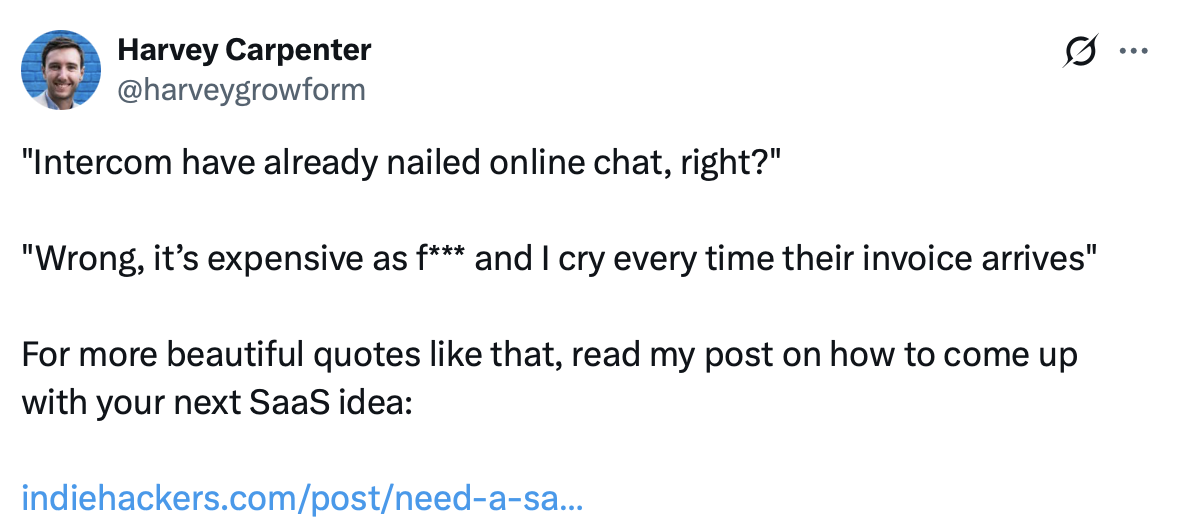
When Intercom launched Fin at $0.99 per resolution, founders ran the math and panicked. 10,000 tickets a month meant a $10,000 AI line item. An AI agent should scale your team. Not your problems.
Kal is the Intercom Fin alternative at half the per-resolution price: $0.49 each, where Fin is $0.99. Same job, half the bill. You pay only when Kal closes the ticket; nothing for handoffs. Scope what it answers with toggles, not a consulting engagement.
We built Kal for the team that explains the bill to the CFO. For the engineer who wants to read the citation. For the support lead who wants to kill the switch at 2am without a support ticket of their own.
FAQ
Questions. Honest answers.
Written by the team that built it. Sales fluff not included.
Two things matter. Pricing: Fin charges $0.99 per resolution. Kal is $0.49 — exactly half — and only when Kal closes the ticket. Control: Fin is a workflow builder with AI bolted on. Kal is AI with guardrails. Scoped by topic. Configurable to your voice with three sample replies. Transparent on every answer with citations. Full breakdown: Intercom vs SupportWire.
Drafts replies from your KB. Summarizes long threads. Closes the repeatable. Routes the rest with full context. Not a chatbot reciting canned answers. It reads the ticket, reads the docs, writes a reply you can send, edit, or override.
Minutes. Plug in your knowledge base. Paste three past replies. Kal starts drafting. Most teams have Kal handling 30% of their inbox by end of day one. The more you correct it, the better it gets. Every edit is training data.
Kal reads your data to answer your customers. Your conversations never train a public model. Ever. We're GDPR compliant from day one. Export everything in one click. If you cancel, we delete your data within 30 days. You can read the full privacy policy.
Kal works on every plan. Free, Starter ($39/mo base, 4 seats), or Growth ($79/mo base, 5 seats). AI resolutions are $0.49 each — half of Fin's $0.99. You only pay when Kal actually closes a ticket; nothing when it hands off to a human. See the full pricing page.
Yes. Per-topic, per-segment, or all at once. Kal is a teammate your team manages, not a black box you subscribe to. Want Kal to handle only onboarding questions and nothing else? One toggle. Want to pause during a sensitive incident? One toggle. You're always in charge.
Try Kal. See the citations.
Free plan. No card. Kal is answering tickets before your coffee cools.